
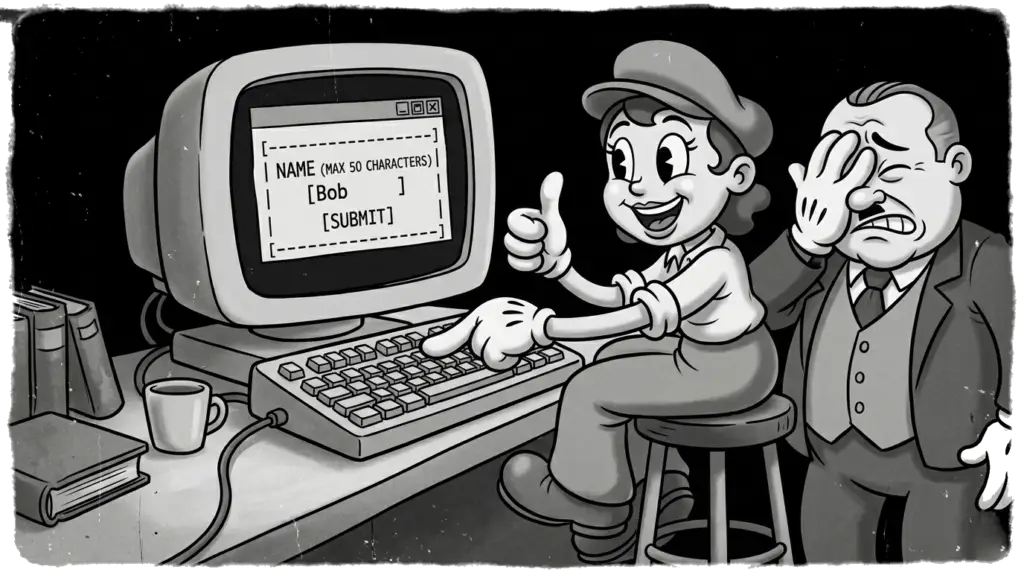
To a normal person, text is just text. To a software test engineer, an innocent text input field is a gaping application vulnerability or data truncation bug waiting to be exploited.
When a functional requirement document states: “The username field should accept up to 50 characters,” a naive tester types a 3-character name, “Bob”, sees it passes the validation logic, and calls it a day. But robust software test automation and manual exploratory testing require a much deeper dive. Let’s look at how to actually perform boundary value analysis and equivalence partitioning on text boundaries to ensure ironclad software quality assurance.
The Character Count Edge Cases (Boundary Value Analysis)
To thoroughly audit a text boundary, you need to execute test cases at the exact points where the validation code logic switches gears. For a 50-character limit, your functional testing suite needs exactly five scenarios:
0 characters (The Empty String): Does the system allow users to submit a blank space? Does your backend validation trim whitespace, or does it count
" "as a valid name?1 character: The absolute minimum valid input. Does the front-end UI layout look corrupted or misaligned with a single letter?
49 characters: The internal boundary. Validates that the system handles long strings right up to the edge without performance degradation.
50 characters: The exact maximum boundary. Ensure the database doesn’t cut off the last letter due to strict column data types (like
VARCHAR(50)).51 characters: One character over the line. Does the UI truncate it silently, block typing entirely via HTML attributes, or throw a clean, user-friendly validation error message?
Turning Up the Heat: Multi-Byte Unicode & Complex Characters
In modern software testing, characters aren’t created equal. Back in the day, legacy systems relied on ASCII (1 byte per character). Today, we live in a globalized, emoji-fueled world governed by Unicode and UTF-8/UTF-16 encodings, where characters can span anywhere from 2 to 4 bytes.
If your development team measures string length by byte size instead of character count, pasting a few emojis or Kanji symbols can trigger a database exception or backend error long before you hit the visual 50-character limit. This mismatch between visual length and memory allocation is a common root cause for data corruption bugs.
The Text Field Destructor Pack (Test Data Matrix)
Next time you are executing functional or security testing on a text input, skip standard names. Instead, update your test data matrix with this specific cocktail of chaos:
1. The Foreign Script & Diacritics
Test Data:
Mülleror고양이orñWhat it catches: Tests accents, compound characters, and non-Latin byte lengths. Ensures localization (L10n) and internationalization (I18n) compliance.
2. The Emoji Explosion & ZWJ Sequences
Test Data:


What it catches: This family emoji looks like a single glyph, but it is actually a Zero Width Joiner (ZWJ) sequence combining four separate characters and invisible code points. If your database schema isn’t configured for
utf8mb4, this will absolutely wreck poorly coded database columns and throw unhandled 500 server errors.
3. The Script Injection (XSS & SQLi)
Test Data:
<script>alert('hi')</script>or' OR '1'='1What it catches: Cross-Site Scripting (XSS) and SQL Injection vulnerabilities. If the system prints this back out to the UI without sanitizing the input or crashes the database runner, congratulations: you just escalated a functional UI test into a critical security vulnerability find.
4. Zero-Width & Hidden Characters
Test Data:
John\u200BDo(Zero-width space)What it catches: Hidden non-printable characters can break API integrations and downstream data processing. A robust API testing suite should verify that the application either strips these out or handles them gracefully without breaking string parsing algorithms.